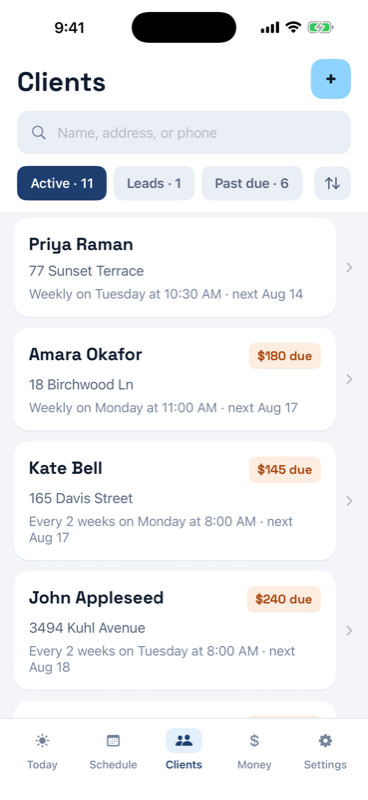
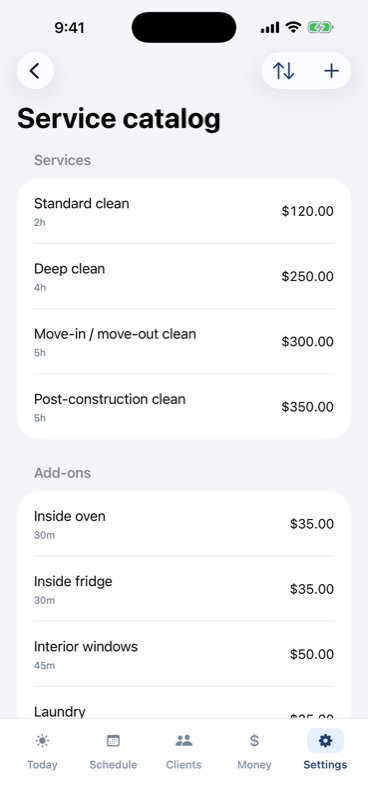
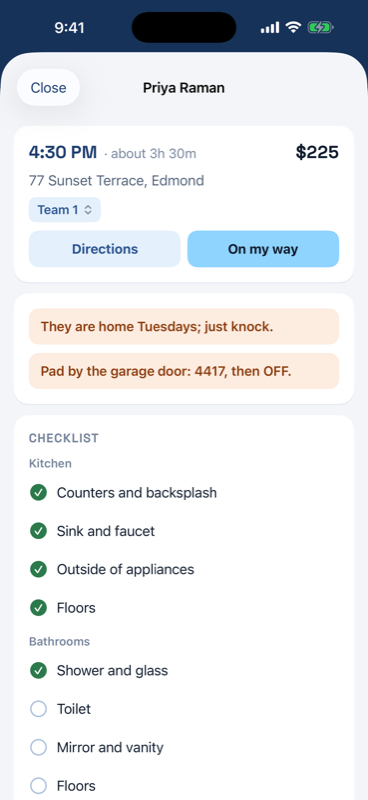
Open the Clients tab and tap +. Add one client by hand, with their address and schedule on a single screen, or bring your whole list at once.
- From Contacts: pick the people who are clients. Names, phones and addresses come across.
- From a spreadsheet: a CSV out of Excel, Numbers or Google Sheets. Only a name column is required and column order does not matter. You see a preview of exactly what will be created, with any problems flagged, before anything is saved.
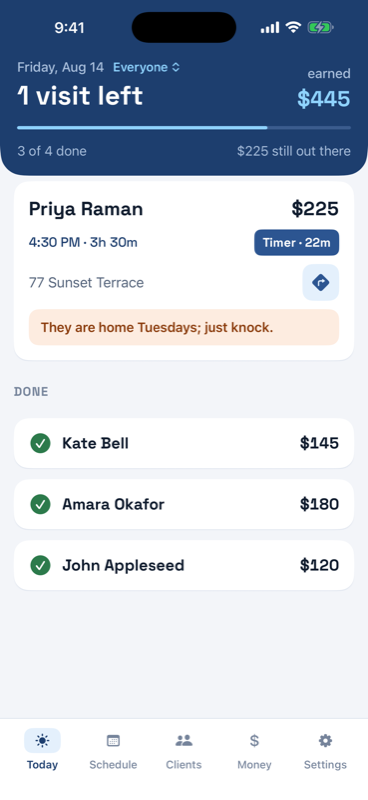
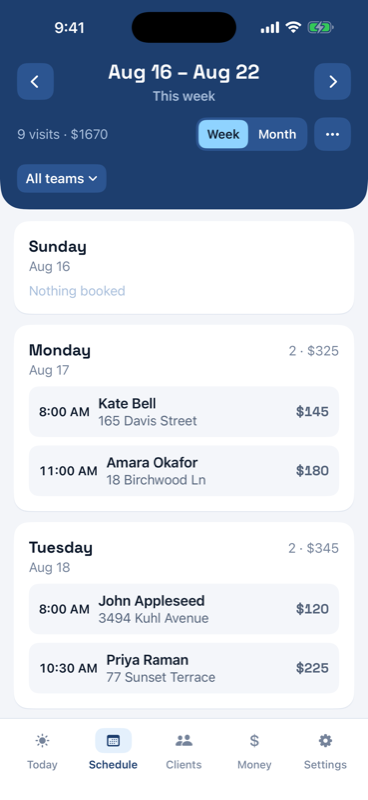
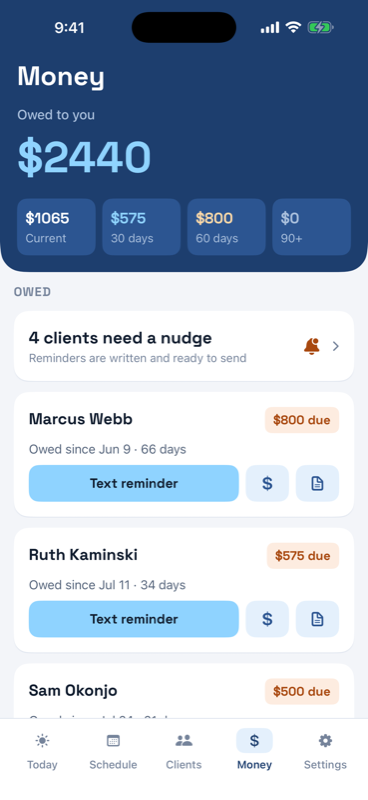
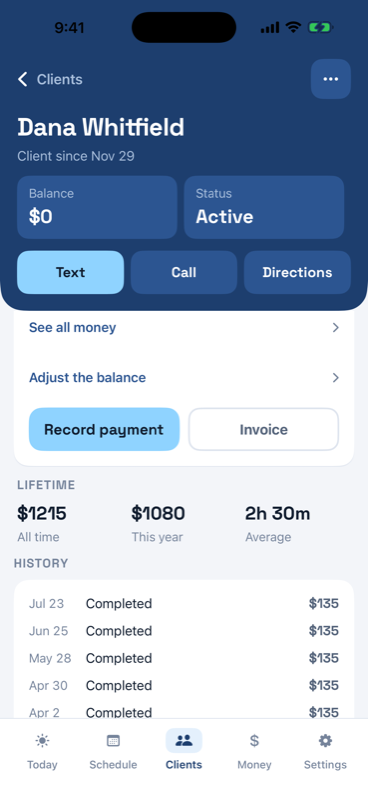
Give a client a schedule (weekly, every two weeks, or monthly) and the coming weeks fill in by themselves. The list shows each client's cadence and what they owe, and the filters at the top split it into Active, Leads and Past due.